
ASP.NET Referencing Master Page Members
In this tutorial you will learn about reference Master Page Mebers, add property to Master Page, expose Master Properties.
Referencing Master Page Members
Members of the Master page can be referenced by content pages. These members can be methods, properties or controls. The constraint for property reference is theat the property has to be declared as public members of the master page. They could be public page scope variables, public propertis and public methods. Let us work out a simple example. The developer wants to set the title of a content page or to add a style sheet on a per page basis. Code will have to be added to the Page_Load event. The Header property on the Page class exposes the content of the< head > tag as programmable entities.
To add a property to the master page
1. Open the MasterPage.master page.
2. In Solution Explorer, right-click MasterPage.master, and then click View Code to open the code editor.
3. Type the following code in the Home.aspx:
……………….< Script runat=”server” >
……………………………Void Page_Load(object sender, EventArgs e)
…………………………..{
………………………………………Header.title= “This is another title”;
…………………………..}
……………….< /Script >
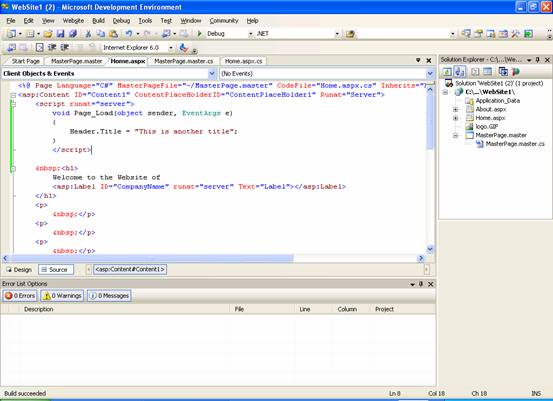
4. The code sets a different title for the master.
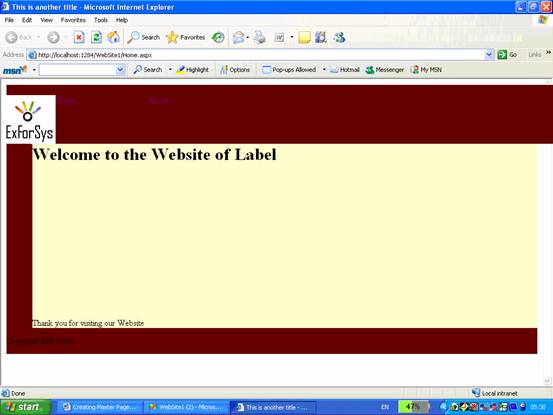
To expose Master Properties
A control can be given an identity in the master by simply setting the runat attribute and giving the control an ID. The control can then be accessed from within the content page through the Master property. The Master property defined on the Page class references the master page object for the content page. It implies that only public properties and method defined on the master page class are accessible.
Let us say that the requirement is that a subtitle has to be exposed as a programmable property. First we shall render the string through a server side control and then we shall create a public wrapper property to make the control accessible from the content page. Add the following code to the masterpage.master. The code defines the public SubTitle and wraps the InnerText property of the _titlebar control.
1. Open MasterPage.master
2. Enter the following code below @Master directive.
Click here to view sample code
{mospagebreak}
.
.
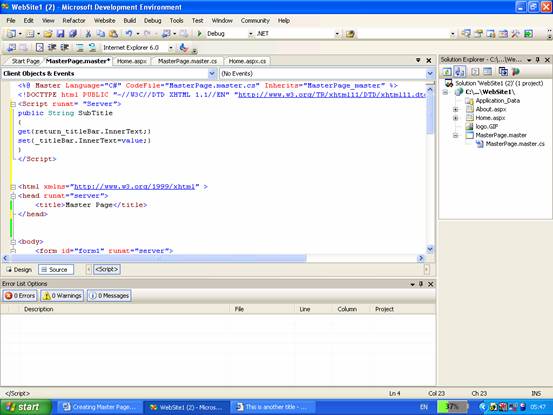
The < span > element marked runat=server is mapped to an HTMLGenericControl object and its text content is exposed through the InnerText property. This property is wrapped by a new public property “SubTitle” that gets and sets the value of the InnerText property on the < span > tag.
Now this property can be invoked from the master if the SubTitle propertyis defined on the MasterPage class. This is because the MasterPage class represents the masterpage object which is compiled at runtime. The ClassName attribute on the @Master directive allows the assignment of user defined names to the master page class. Therefore the master property must be cast to the actual type to be able to call custom properties. The following code will have to be added to the content page
((MasterPage)Master).SubTitle= “Welcome”;
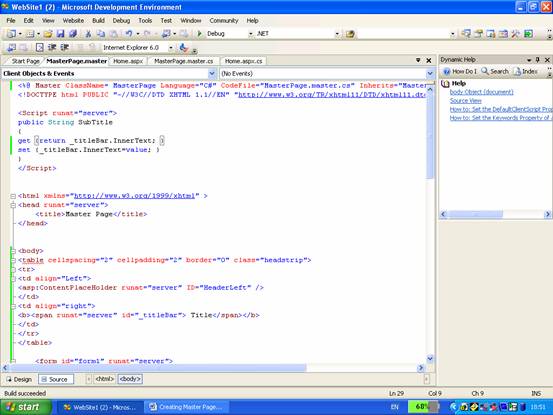
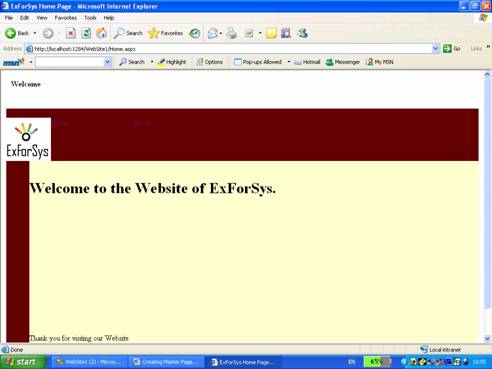
Now add the following code to the content page.
< script runat= “Server” >
………Void Page_Load(object sender, EventArgs e)
………{
………………Master. SubTitle = “Welcome”;
………}
< /Script >
[catlist id=179].