
Oracle Apps 11i Tutorials: Creating New Forms
This document describes the process of creating new forms in oracle applications. In this tutorial we will discuss about Creation of new Block.
Template.fmb
Download the template.fmb from your oracle applications server. Open template.fmb through forms builder.
You will see following screen..
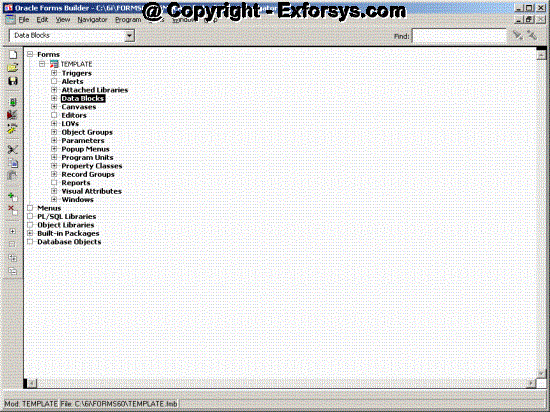
Creation of new Block
Click on Data Blocks and select + icon on the left toolbar. You will get following pop up window.
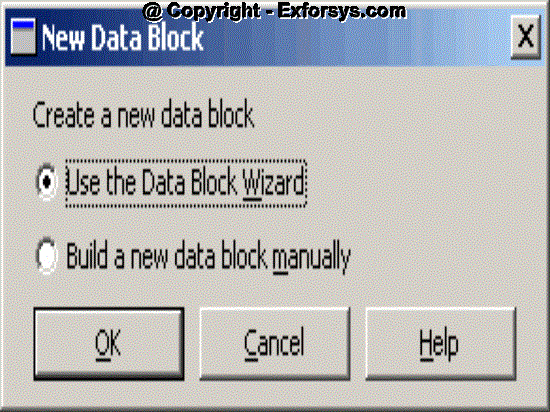
Click on OK button and you will see following screen.
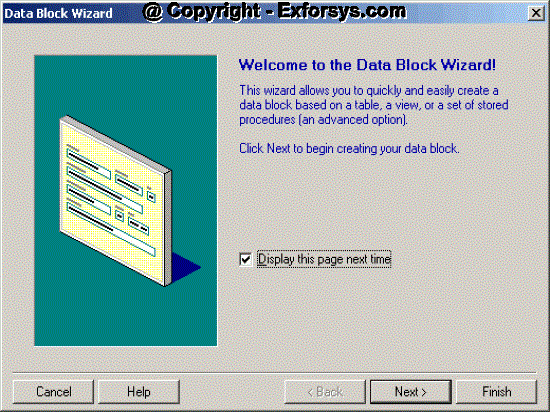
Click on next button and you will see following screen
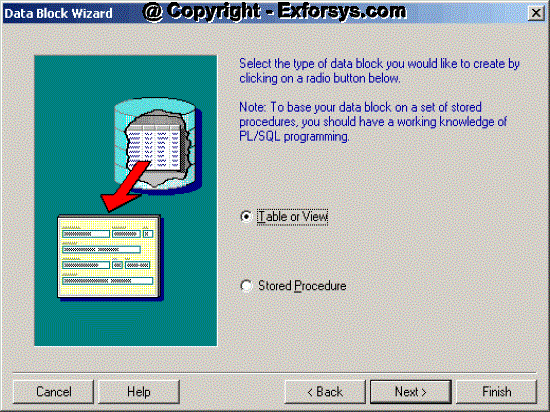
Base your block on table, Click next, you will see following screen
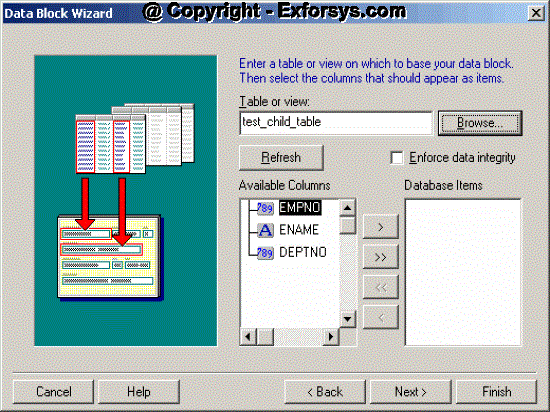
Give the table name on which you want to base your block. Columns of that table will appear in Available Columns Section. Click on >> button to move the columns from Available columns section to Database items.
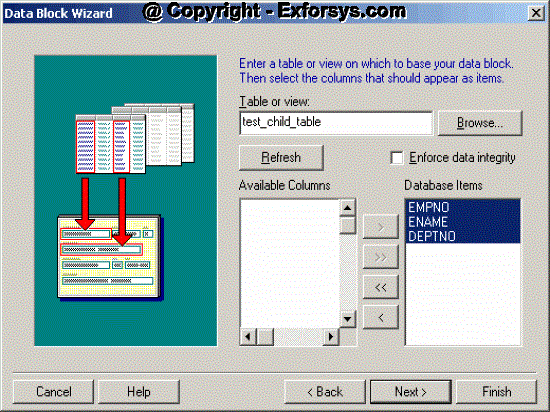
Click next, you will see following screen
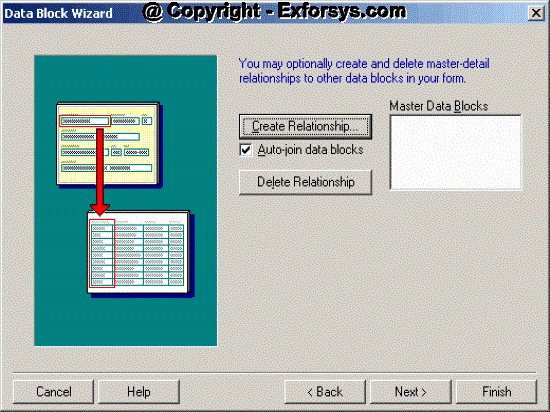
Click next, you will see following screen
{mospagebreak}
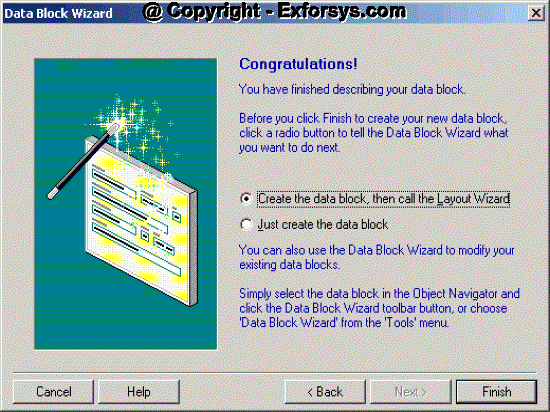
Choose the first option to create the form layout through database block wizard. Click Finish, you will see following screen.
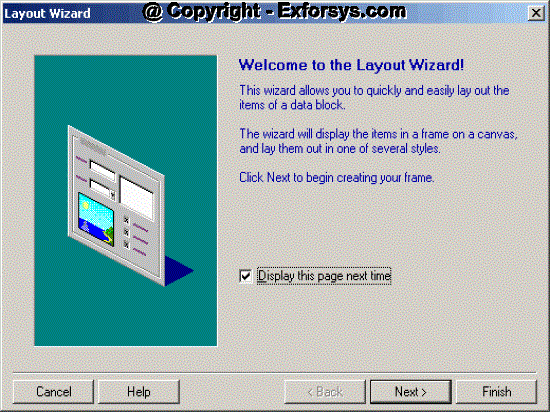
Click next, you will see following screen
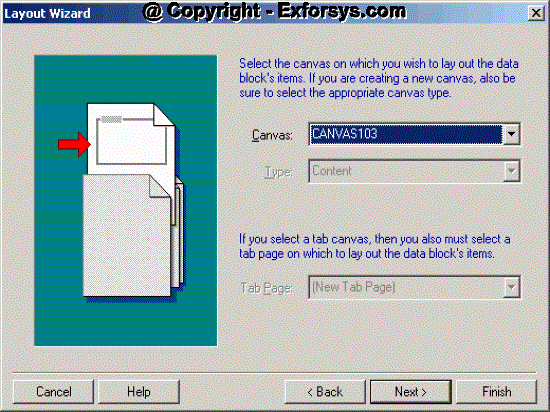
Choose a new canvas or any of the existing content canvas. Click Next, you will see following screen.
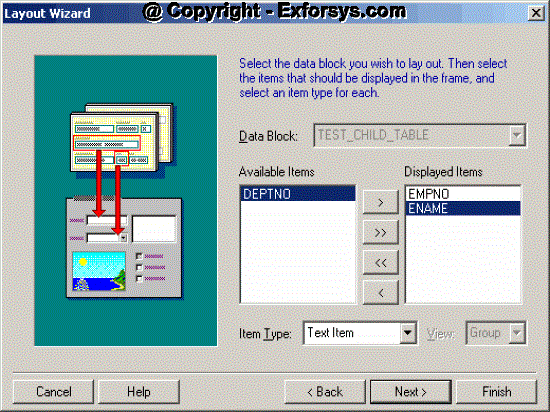
Move the items which you want to display on the canvas to the list of displayed items.
Click Next, you will see following screen.
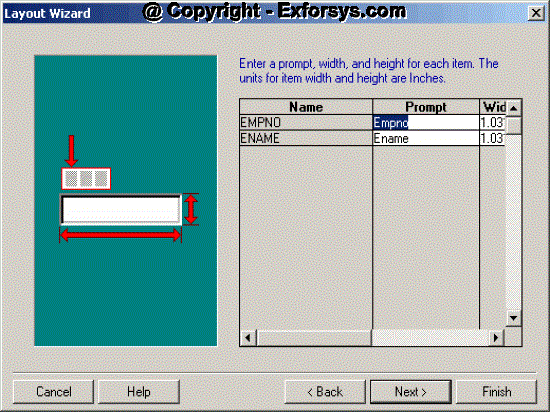
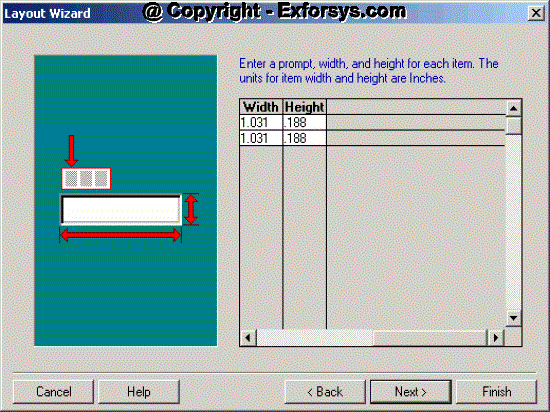
You can change the width and height of the displayed items through above window.
Click Next, you will see following screen.
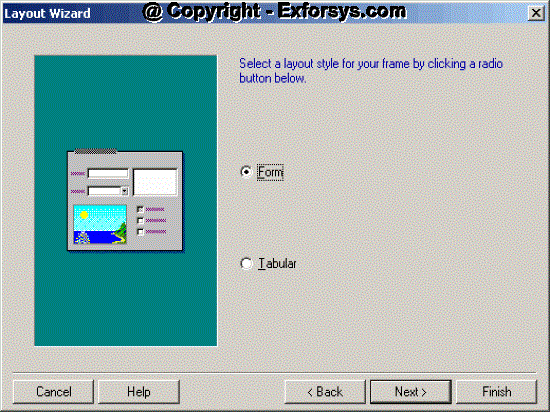
Click Next, you will see following screen.

Click Finish button and you will see following screen.
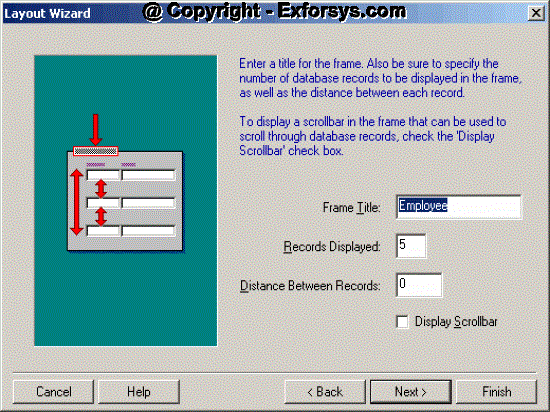
Enter the name of the frame and number of records you want to show in the block. Click Finish and the database block are complete with the layout.
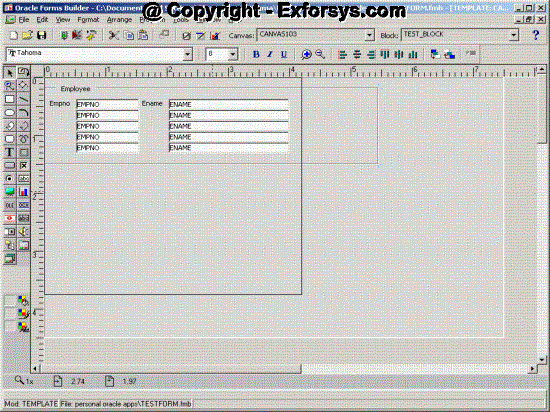
Open the layout editor to check the canvas and items.
Change the First Navigation Block property in the form to test_detail_block
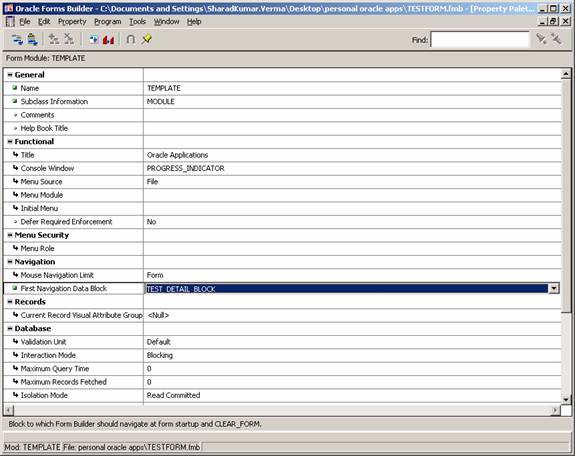
Save the form. Transfer the fmb file to $AU_TOP/forms/US on oracle applications unix server.
Compile the form using following command.
f60gen
Transfer the fmx to the
[catlist id=183].