
alt
Advertisement
Sponsored links
Online Training
Career Series
Exforsys
Exforsys arrow Tutorials arrow JavaScript arrow JavaScript Conditional Statements Part 2
Site Search


JavaScript Conditional Statements Part 2

JavaScript Conditional Statements Part 2

In continuation of JavaScript Conditional Statements Part 1, this tutorial will help you learn about remaining conditional statements in JavaScript, if...else if...else statement and switch statement.

if...else if....else statement

If there are many branching or conditions to be decided (based on which actions must be executed) then the programmer can use the if...else if....else statement.

General structure of if...else if....else statement in JavaScript is:


<
html>
   <body>
    
<script type="text/javascript">
     if (condition1)

     {

         .........

         .........

         //executed if condition1 is true

     }

     else if (condition2)

     {

         .........

         .........
        
//executed if condition2 is true

     }

     else

     {   .......

         .......

         //executed if condition1 & condition2 are false

     }  

     </script>
   </body>
</html>


An example for if...else if....else statement in JavaScript is shown below


<
html>
   <body>
    
<script type="text/javascript">
        var exforsys = 20
       
if (exforsys < 5)
        {         

           document.write("<b>Welcome</b>")

        }

        else if (exforsys > 5 && exforsys < 10)

        {         

           document.write("<b>Have a nice day!</b>")

        }

        else

        {         

           document.write("<b>Thank You!</b>")

        }

      </script>
   </body>
</html>


Output of the above script as produced in a HTML page is shown below:
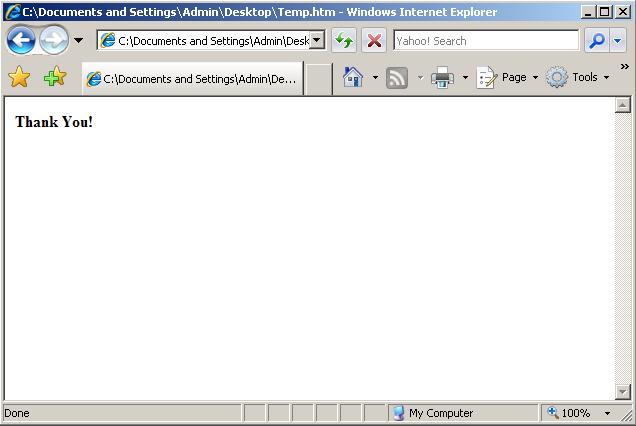


In the above example variable exforsys takes the value 20 (which is not less than 5) then statements in condition1 are not executed. The value (if greater than 5 but not less than 10) of statements in condition2 are not executed, therefore the else structure is executed and the output is Thank You.

switch statement:

A programmer makes use of switch statement whenever one out of the many blocks of code needs to be executed.

General structure for switch statement in Java Script is as follows:


switch (variable)
{
    
case value1:
         
statements in block 1
         
break
    
case value2:
          statements in block 2
          break
    
........
     ........

    
default:
          statements to be executed if variable is     
          different from case value1 or value2, and so on

}


For Example


<
html>
   <body>
    
<script type="text/javascript">
       
var exforsys = 5
       
switch (exforsys)
        {
         
case 2:
            
document.write("<b>Hi!</b>")

             break
         
case 3:
            
document.write("<b>Welcome</b>")
            
break
         
case 4:
            
document.write("<b>Thank You!</b>")
            
break
         
default:
             document.write("<b>Have a Great Day!</b>")
     
 }
      </script>
   </body>
</html>


Output of the above script as produced in a HTML page is shown below:
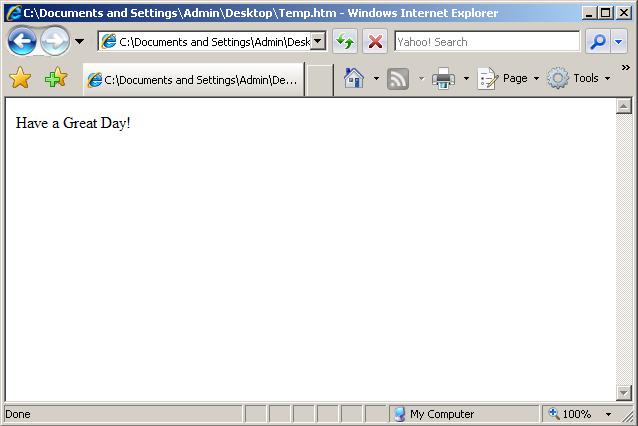


This is because the value of the variable exforsys is assigned as 5 which does not satisfy the value of any of the case values and hence default block is execute which gives the output as above.


Trackback(0)
Comments (1)add comment

suhail khan said:

  this is very good .com i am very happy whem i saw this your are doing very well everbody has got befit from this .com.
October 28, 2007

Write comment

busy
 
< Prev   Next >
Exforsys Offers
© 2008 Exforsys.com
Joomla! is Free Software released under the GNU/GPL License.
Page copy protected against web site content infringement by Copyscape