
Download Free Oracle SQL Developer
Oracle SQL Developer is a free graphical tool that enhances productivity and simplifies database development tasks. With SQL Developer, you can browse database objects, run SQL statements and SQL scripts, edit and debug PL/SQL statements, manipulate and export data, and view and create reports. You can connect to Oracle databases, and you can connect to selected third-party (non-Oracle) databases, view metadata and data, and migrate these databases to Oracle.
Oracle SQL Developer 3.0 Early Adopter 4 now available. Be a part of the Early Adopter program. Oracle SQL Developer 3.0 is available for Windows XP , Vista (including 64-bit), Windows 7 (including 64-bit), and Windows Server 2008, Linux or Mac OS X. Oracle SQL Developer 3.0 release is shipped with JDK 1.6.0_11. You can use the embedded JDK or connect to any installed JDK 1.6.0_11 or above.
Oracle SQL Developer is a graphical version of SQL*Plus that gives database developers a convenient way to perform basic tasks. You can browse, create, edit, and delete (drop) database objects; run SQL statements and scripts; edit and debug PL/SQL code; manipulate and export data; and view and create reports.
You can connect to any target Oracle database schema using standard Oracle database authentication. Once connected, you can perform operations on objects in the database.
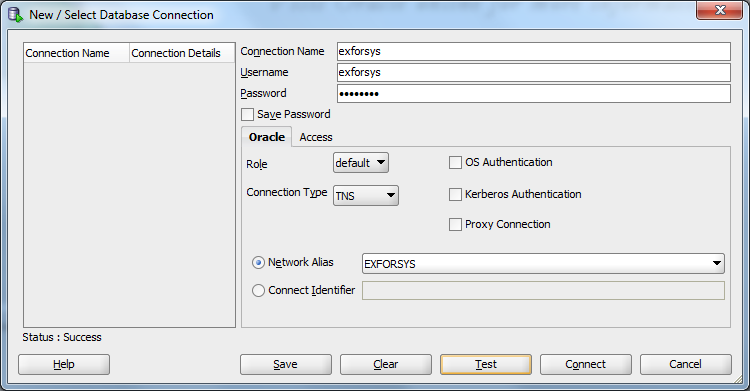
Click to view enlarged version

Click to view enlarged version
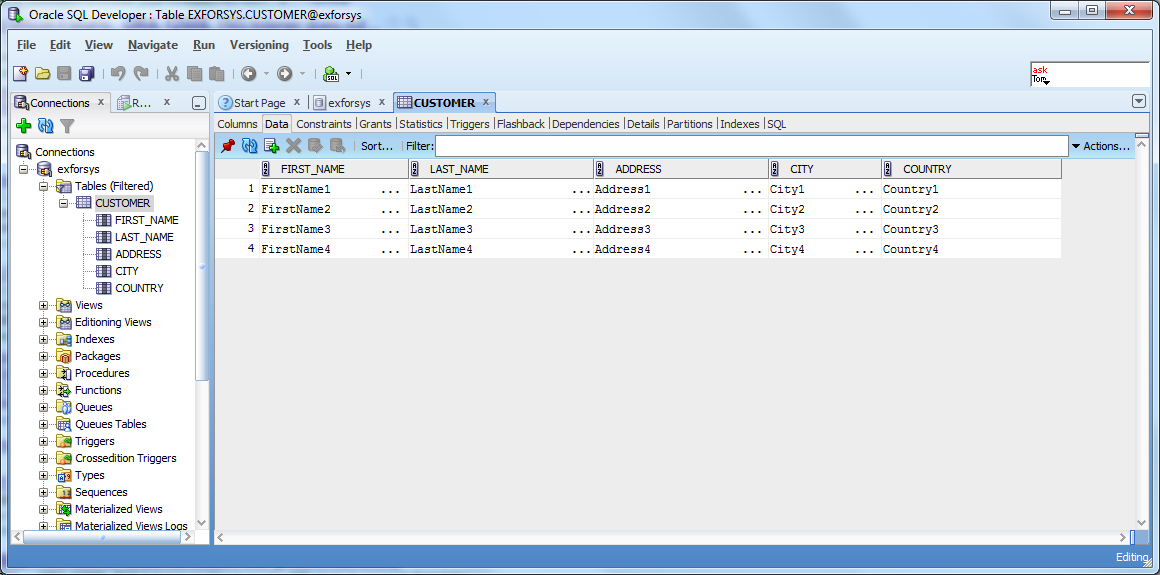
Click to view enlarged version
You can connect to schemas for selected third-party (non-Oracle) databases, such as MySQL, Microsoft SQL Server, Sybase Adaptive Server, Microsoft Access, and IBM DB2, and view metadata and data in these databases; and you can migrate third-party databases to Oracle.
New Features in SQL Developer 3.0
Oracle SQL Developer 3.0 introduces the following key functionality:
- Data Miner
- Data Modeler
- Exporting and Importing
- Database Navigator
- DBMS Scheduler
- SQL Tuning
- Query Builder
- Spatial Data Management
- Schema Browser
For a comprehensive list of new features, refer to the 3.0 New Features page on OTN.
Read More…
Download Oracle SQL Developer 3.0 Early Adopter 4
Oracle SQL Developer 3.0 Early Adopter 4 Documentation
Note:
- There is a separate download for the 64-bit environment. Download the full 64-bit install and unzip into a new, empty directory as described for other platforms. Execute the sqldeveloper.exe. You need to download and install the 64-bit JDK for your platform.
- This release supports IBM DB2 UDB LUW 7, 8 and 9 and Teradata 12, in addition to the current third party databases supported. You will not see any third party tabs in the connections dialog until you have installed the drivers.
SQL Developer 3.0 Demonstrations:

